Try the workflow with real first frames and finished takes. No credits needed.
From your phone
Found it on TikTok? Send it to Rascal.
Tap Share on any TikTok or Instagram post and choose Rascal. It lands in your library, ready to clone. Videos become templates. Photo posts become slideshows.
Set up once. Install Rascal from Chrome on Android, or add the Shortcut on iPhone.
Saved the moment you tap Send. Close your phone. The import finishes on its own.
Video or photo post. Rascal works out which it is and files it in the right place.
128K1,2049,310Share
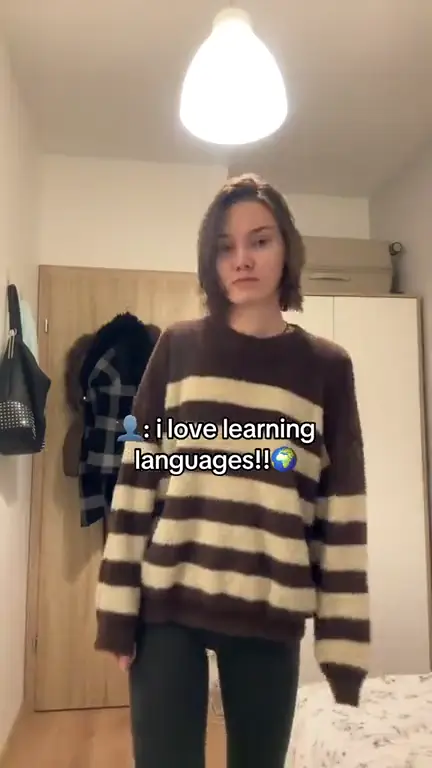
@nora.triesOkay, this app is so good
86K7426,118Share
@sky.speaksPOV: you finally tried it
212K2,03114KShare
@lena.abroadTen minutes a day. No excuses.
Your library
1 template in your library
One clip. A whole new cast.
The same performance, reimagined with your AI avatars. Choose a face. Watch their take.
Same moves. A different face in every take.
Click a card to play or pause.Swipe through your cast. Tap to play. Muted previews
Any clip
Any clip in. New faces out.
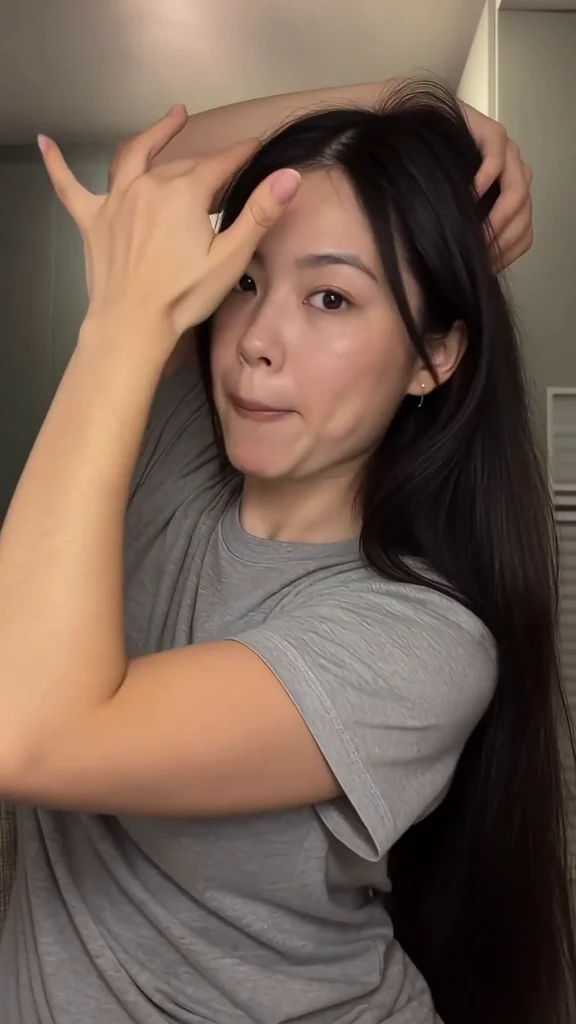
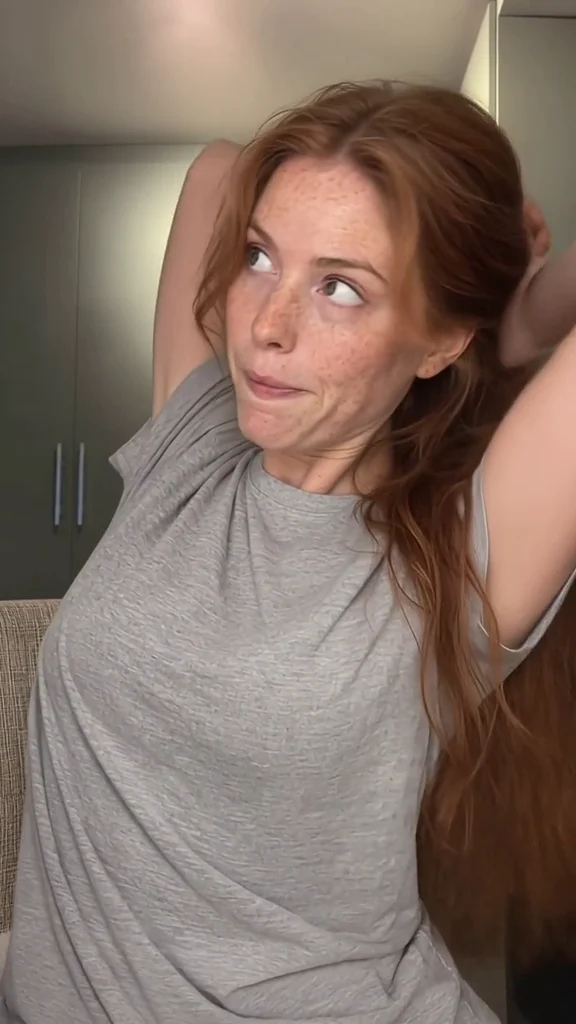
Rascal keeps the movement, timing, and framing of your source and puts your own avatars in it. These are real sources, each next to two takes made from it.
The performance carries over. Gestures, pacing, and camera framing follow the source clip.
One clip, as many posts as you have faces. Every take uses one of your avatars, so the same idea never looks the same twice.
You approve the first frame. Nothing goes to video until you like how the avatar looks in the shot.
SourceInesElin
Talking to camera
Slideshows
Clone a photo post. Make it yours.
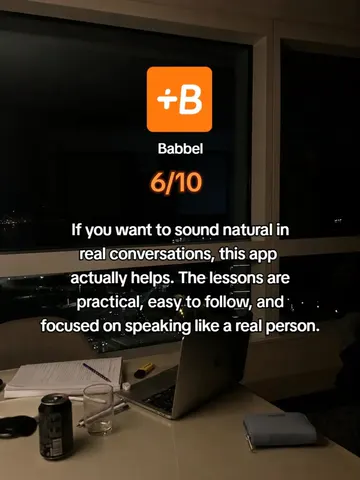
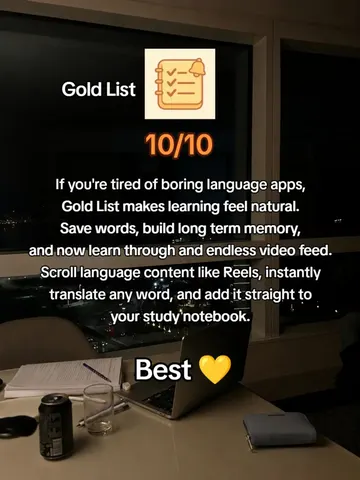
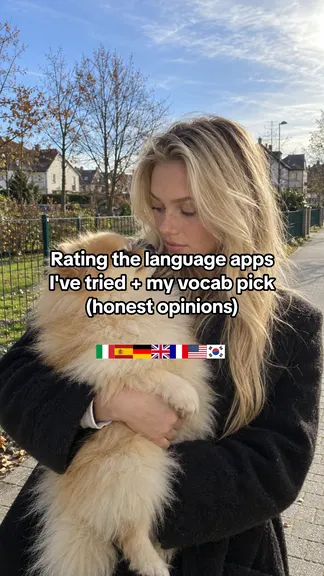
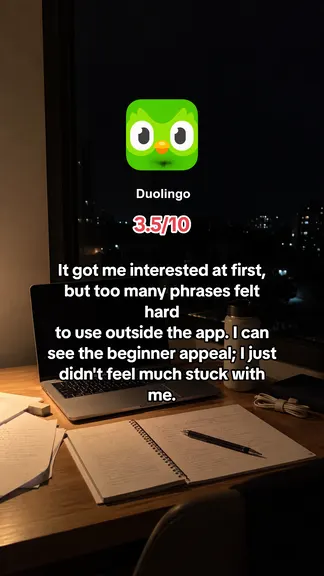
Import a TikTok or Instagram photo post and Rascal reads it first: the story, the text, the images, the product it sells. Then it writes and illustrates a fresh version for your product, slide by slide.
Reads the source first. Every block of text and every visual, so nothing from the original slips through.
Built around your product. Add your app once. Each variant uses its summary and images.
Yours to edit. Change any slide, make more variants from any variant, then export the slides and caption.
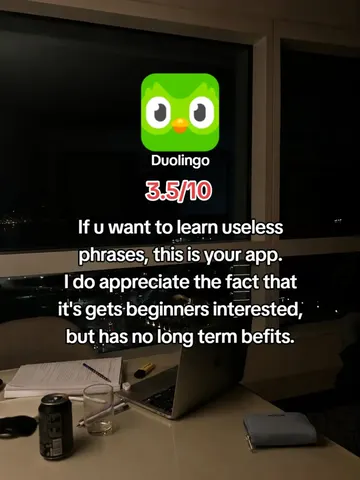
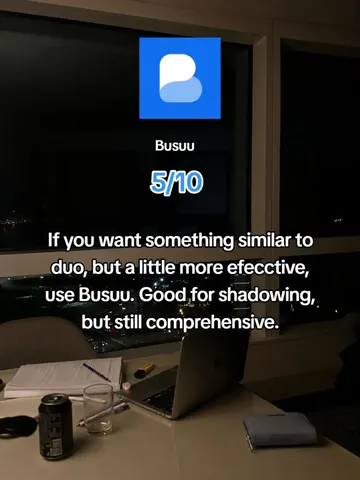
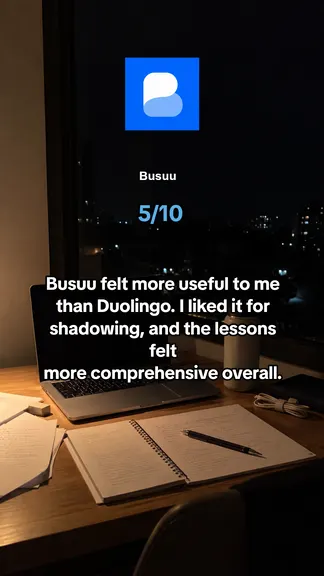
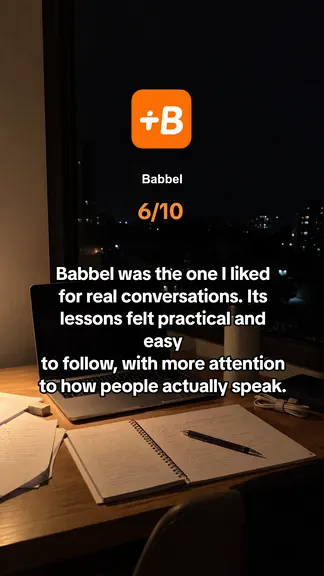
Source slideshow Read-only
Imported from a photo post
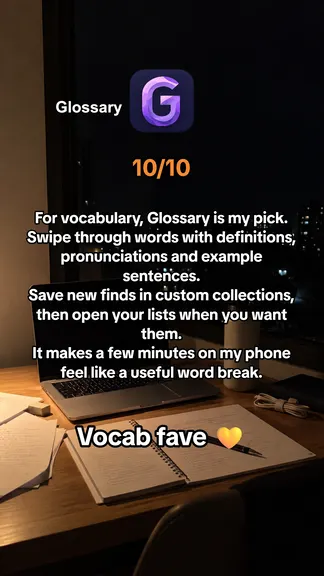
Your variantGlossary · App
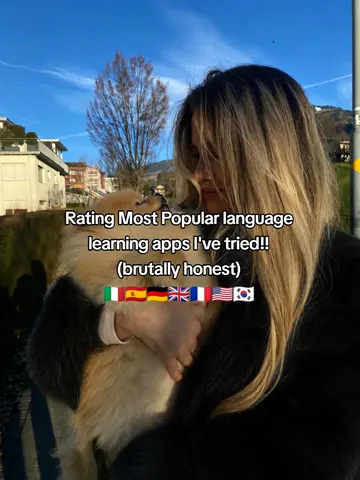
Caption Rating the language apps I've tried, plus my vocab pick. Glossary is my #1. #languagelearning
Export slides
Post and track
Schedule it. Then see what it did.
Line finished takes up on a weekly calendar for TikTok, Instagram Reels, and YouTube Shorts. The dashboard then shows how every post performed, next to your app's growth.
A calendar that posts for you. Or send a take to TikTok as a draft and finish it there.
Every post counts. Including the ones you posted by hand from your phone.
Finished takes
3 takes ready to post
MonTueWedThuFriSatSun
9 AM
12 PM
3 PM
6 PM
Made in Rascal
Same moves. Every face you can imagine.
Real takes from the studio: one source clip, cloned onto a new cast each time.
Yuna
Astrid
Maren
Freya
Zoe
Britt
Sofia
Nadia
Mila
Tessa
Leila
Lucia
Daria
Ines
Ellie
Saoirse
Klara
Jana
Elin
Yuna
Astrid
Maren
Freya
Zoe
Britt
Sofia
Nadia
Mila
Tessa
Leila
Lucia
Daria
Ines
Ellie
Saoirse
Klara
Jana
Elin
Leila
Lucia
Daria
Ines
Ellie
Saoirse
Klara
Jana
Elin
Yuna
Astrid
Maren
Freya
Zoe
Britt
Sofia
Nadia
Mila
Tessa
Leila
Lucia
Daria
Ines
Ellie
Saoirse
Klara
Jana
Elin
Yuna
Astrid
Maren
Freya
Zoe
Britt
Sofia
Nadia
Mila
Tessa
Bring your own subscription
Keep your AI. Meet your studio.
You've already found the tools you love. Bring their subscriptions and keys into one place, from source video to finished take.
$0markup on your AI usage. You pay your providers directly.
Videos and slideshows. For a video, the movement, timing, and framing of the clip, carried onto your own avatars. For a photo post, the story and structure, rewritten and re-illustrated for your product. Choose posts you have permission to adapt, and review first frames before generating motion.
How do I send a post from my phone?
Open the setup page once. On Android, install Rascal from Chrome. On iPhone, add the Rascal Shortcut. After that, tap Share in TikTok or Instagram, choose Rascal and a workspace, and tap Send. The post is saved the moment you do, so you can close your phone.
Can Rascal post for me?
Yes. Connect TikTok, Instagram, or YouTube, then schedule finished takes on a weekly calendar. TikTok can also receive a take as a draft, so you can add sound and finish it in the app. The dashboard tracks posts on your connected accounts, including ones you posted by hand.
Can I use subscriptions I already have?
Yes, where your provider supports the workflow. First frames support Codex, Antigravity for Gemini and Nano Banana, and Grok. Connect supported accounts through the companion. Kling handles video generation, and Apify handles TikTok link imports. Provider limits apply; consumer subscriptions do not automatically include API credits.
What am I paying Rascal for?
The studio that puts the workflow together: your templates, avatars, slideshows, generations, scheduling, and reviews. Your providers bill their own usage. Rascal adds no markup to those costs.
How long does a batch take?
It depends on your clip, provider, and queue. Rascal removes the repetitive preparation and file handling. You still approve first frames and review the finished takes.
How do I start?
Create an account, choose Starter or Studio, and pay through Stripe. The studio stays read-only until that subscription is active. The demo on this page uses saved first frames and takes, so you can try the workflow without a plan.
Make your next video with Rascal.
Create an account, pick a plan, and start in the studio.

 Instagram